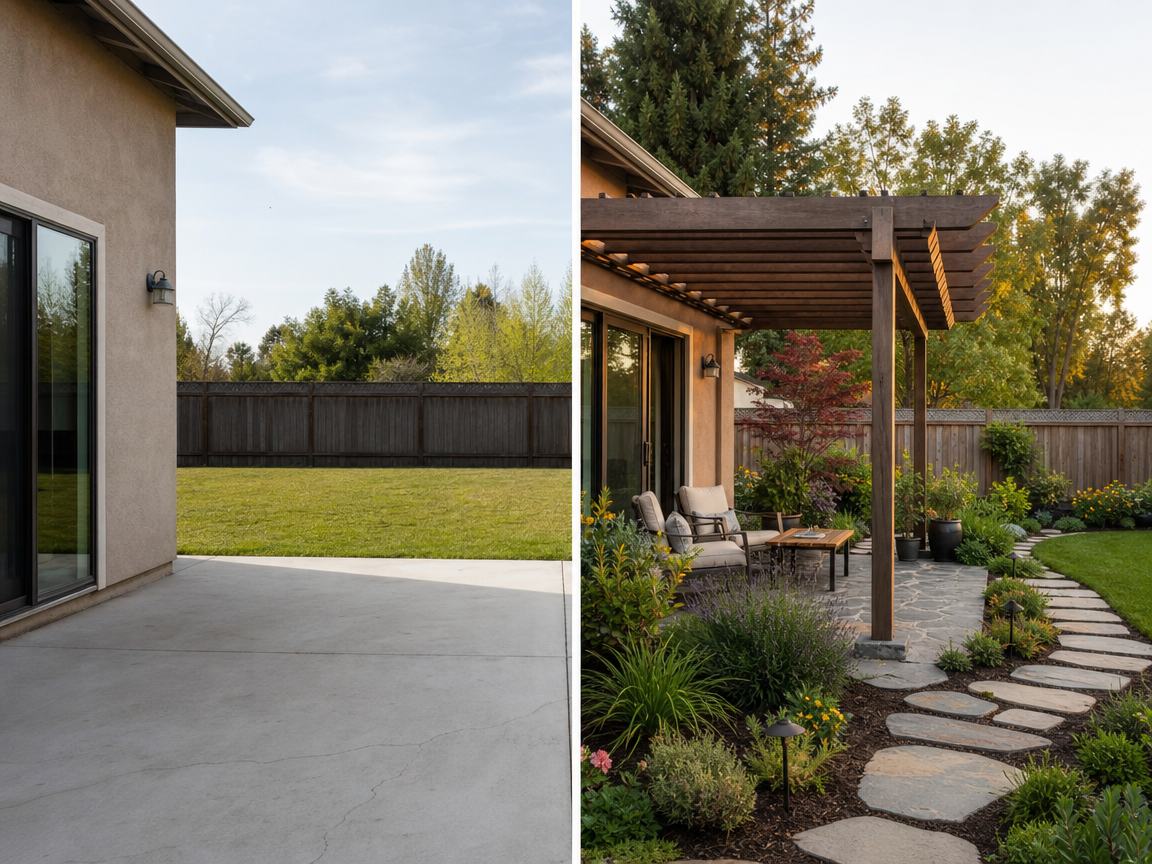
AI Landscape Design
Plan a realistic landscape from your property photo with site-aware planting, materials, and a design you can refine before rendering.
Start with a photo of your yard
Use a clear, wide photo that shows the house and the area you want to redesign.
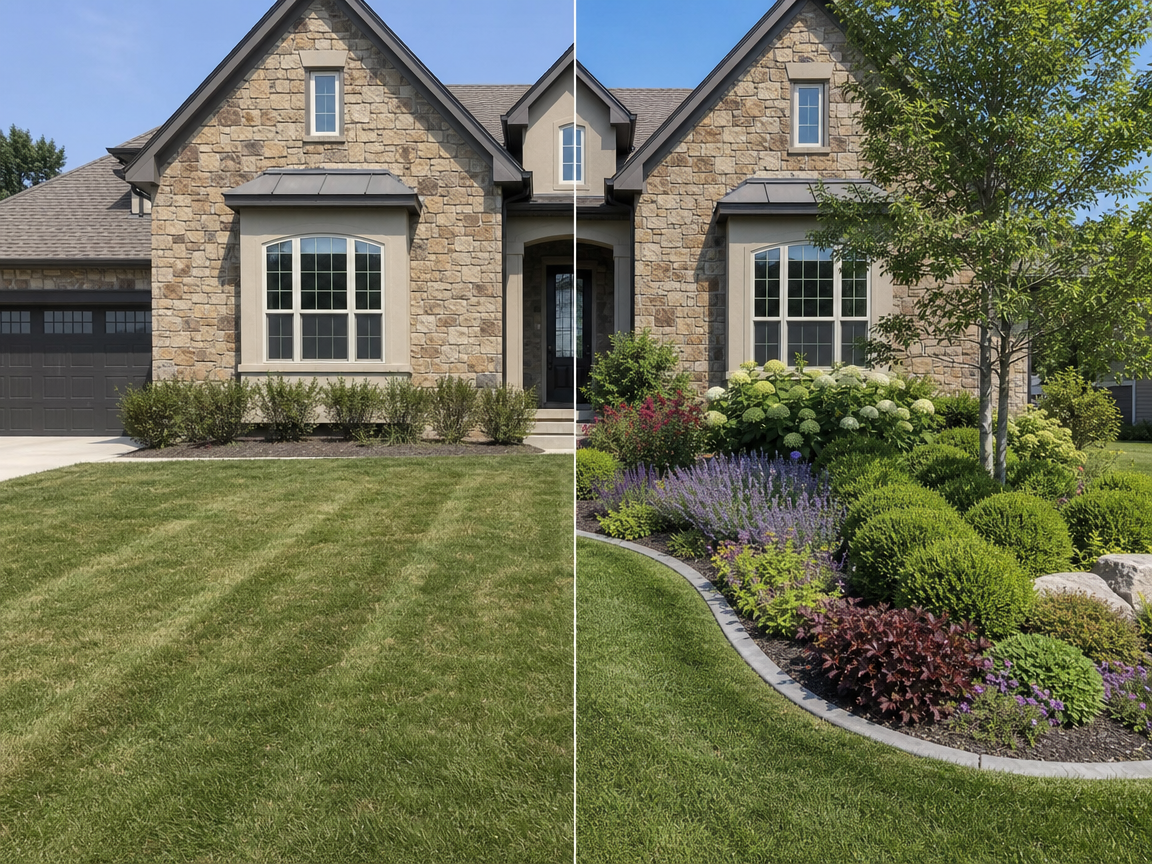
AI Landscape Design for Existing Properties
AI Landscape Design starts with the property you already have, helping you examine planting, circulation, lawn, and material ideas without replacing the house or camera view.
AI Landscape Generator From a Photo
Use a photo to retain spatial evidence that a text-only landscape AI cannot see, including the facade, driveway, fence, mature canopy, and relationship between open areas.
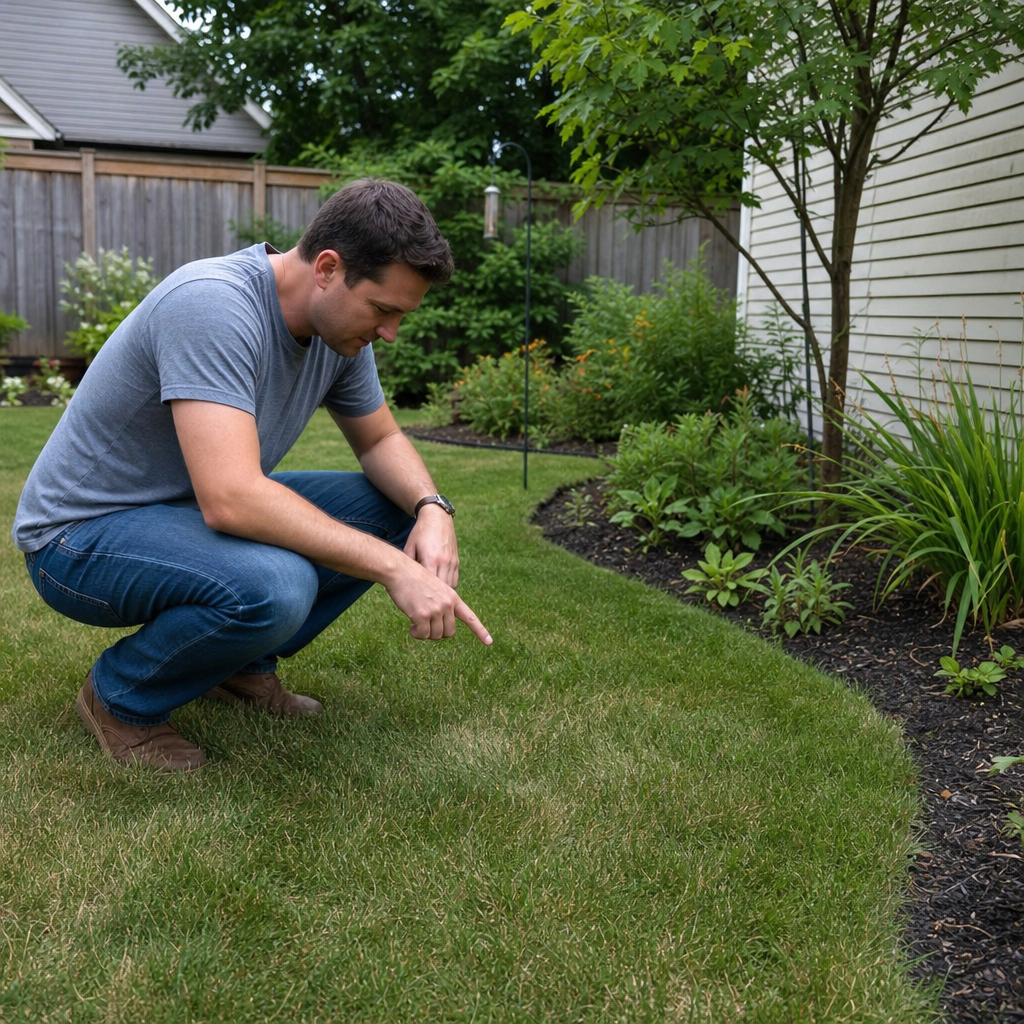
AI Landscape Design With Local Conditions
Location, USDA hardiness zone, sunlight, and slope turn an image request into a more disciplined brief and reduce the chance of a visually polished but geographically unlikely result.
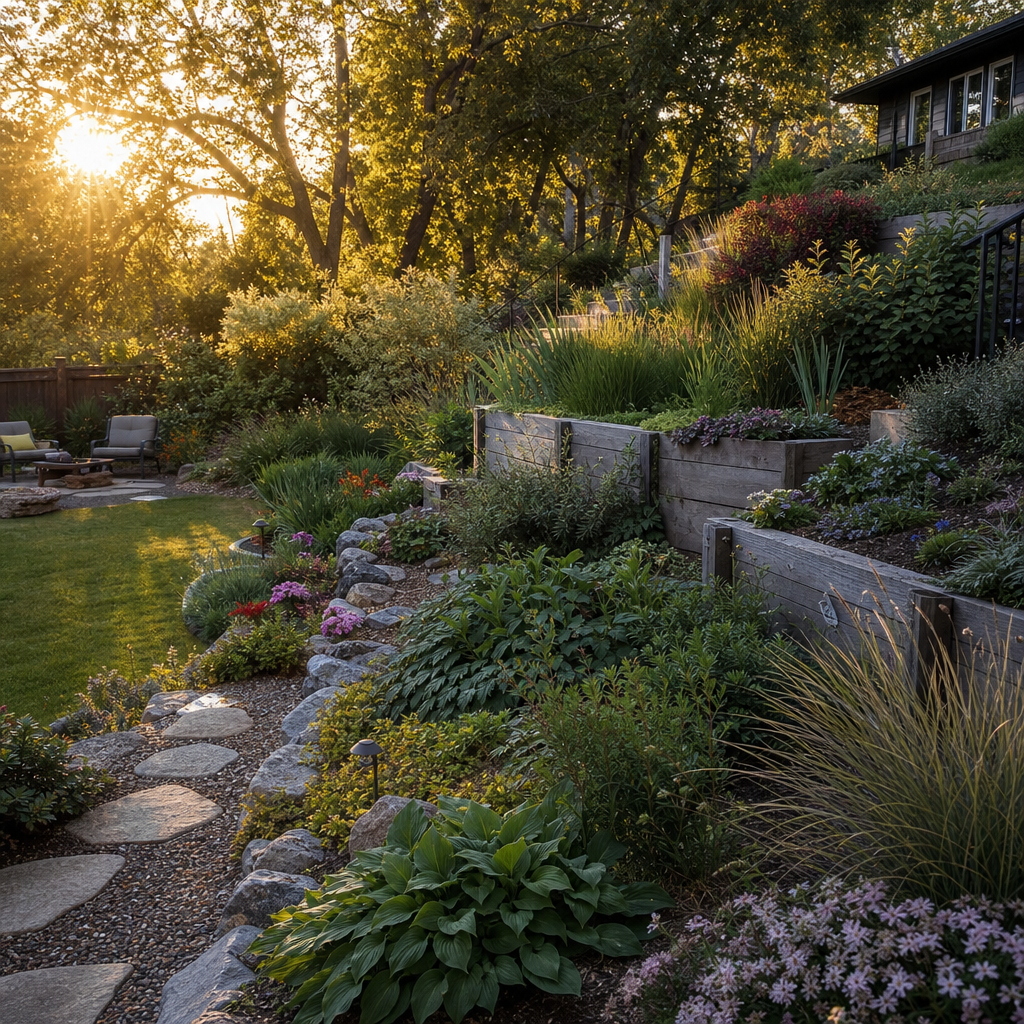
How to Create an AI Landscape Design
The online landscape design tool separates the brief from the final image, giving you a chance to catch the wrong style, zone, or project boundary before generation.
Upload the Site View
Choose a sharp image taken in even light. Show enough surrounding context for the AI landscape design app to distinguish plantable ground from buildings and paving.
Define the Scope
Use smart point selection for a recognizable surface, a circle for a quick edit, or an outline when the project boundary follows a bed or property edge.
Build the Brief
Select the landscape style and environmental facts, then add a plain-language goal such as lower maintenance, stronger curb appeal, or more usable outdoor space.
Review the Plan
Read the proposed arrangement before spending a free generation. Revise the written direction if it conflicts with access, retained features, or the intended level of planting.
Inspect the Result
Switch between before and after, open the image at full size, download it, or request a variation. Keep the concept as a visual brief rather than a measured plan.
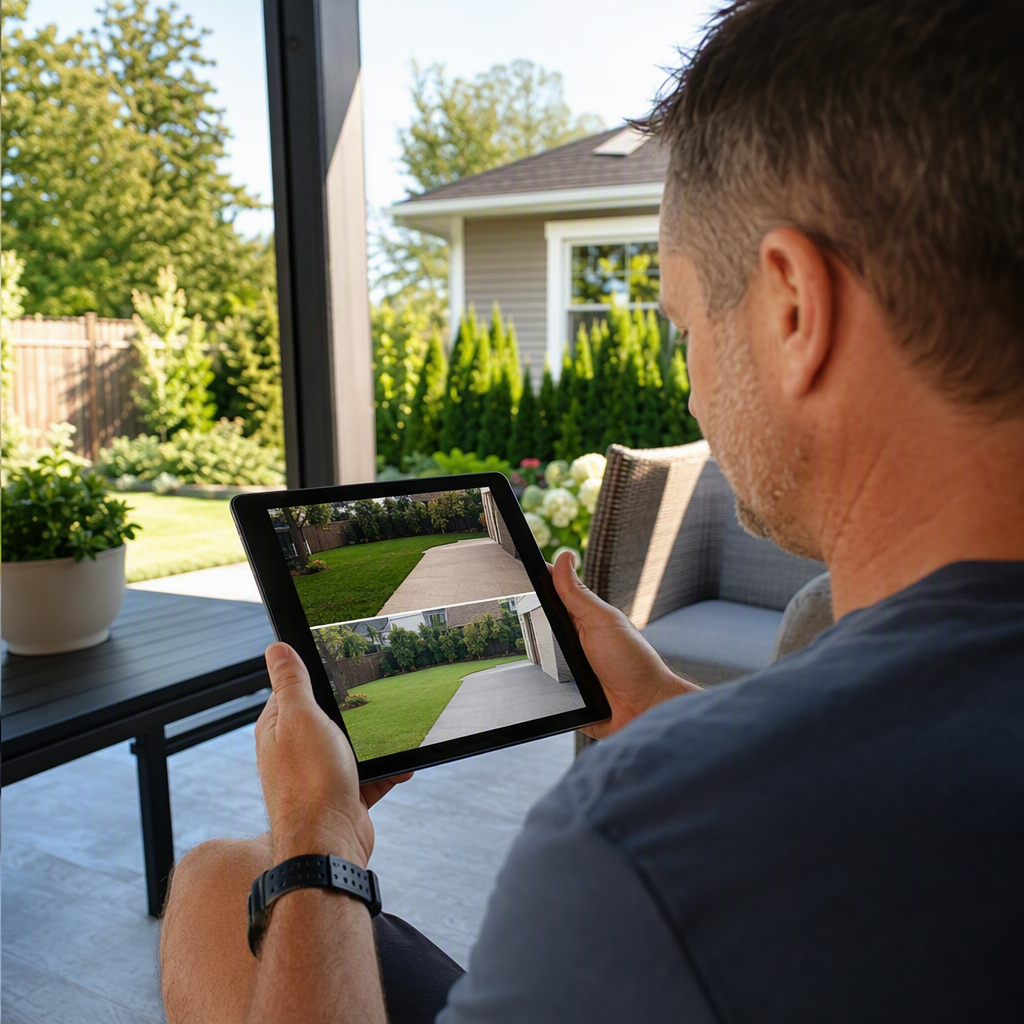
AI Landscape Design Across Outdoor Spaces
Different areas create different planning questions, so the tool keeps the original scene visible while you evaluate one purpose, boundary, and landscape character at a time.
Front Yard Design AI
Study curb appeal, entry emphasis, foundation planting, and the balance between lawn and beds while leaving the driveway and front door legible.
AI Backyard Design
Explore zones for dining, play, gardening, relaxation, or a pool edge. Keep circulation practical and avoid filling every open part of the image.
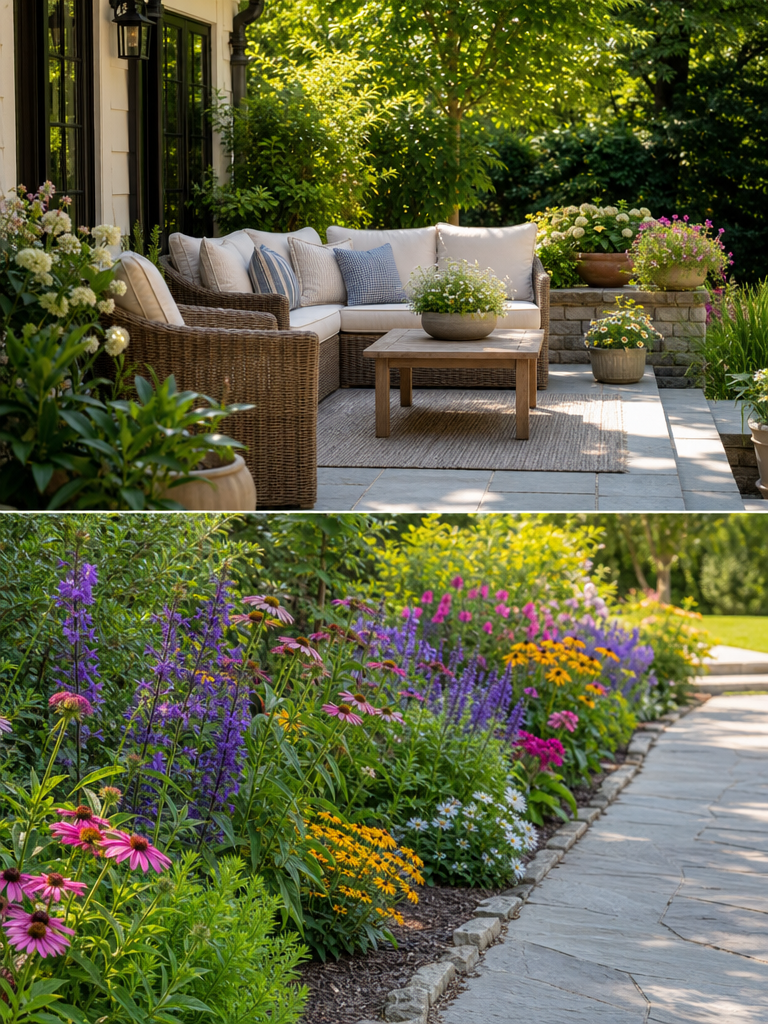
AI Patio Design
Test how planting, shade, screening, and surface character could soften a patio without changing the architecture or obscuring important access points.
AI Flower Bed Design
Compare border depth, repetition, color rhythm, and layered plant height around an existing lawn, walk, wall, or fence.
Water-Wise Landscape
Visualize gravel, mulch, drought-tolerant structure, and reduced turf while checking that the design still belongs to the home and regional setting.
AI Landscape Design Tools in One Workflow
Structured choices make the free AI landscape design experience repeatable: each variation begins from the same photograph, site data, and clearly defined scope.
3
selection modes for an automatic object mask, circular region, or custom outlined project boundary
18
landscape styles that cover formal, ecological, climate-led, recreational, and food-growing goals
4
free AI landscape design generations available each day for deliberate visual comparison
1–13
USDA zone range with a and b subdivisions for a more specific winter-temperature brief
AI Landscape Design and Traditional Planning
The two approaches solve different parts of a project. Use generated imagery to clarify preferences, then use professional documentation where cost, safety, drainage, and construction depend on precision.
AI concept | Measured plan | |
|---|---|---|
| Fast visual alternatives | Slower | |
| Existing-photo realism | Optional | |
| Exact dimensions and quantities | ||
| Drainage and grading calculations | ||
| Early preference discovery | ||
| Permits and contractor pricing |
AI Landscape Design FAQ
What to expect from a photo-based concept, how to improve the input, and where professional landscape services remain essential.
General
Create an AI Landscape Design From Your Yard
Mark the area, describe the intended use, add local conditions, and compare a realistic landscape concept with the photo you started from.
Start Landscape Design