
AI Garden Design
Turn one yard photo into a practical garden concept. Mark the area, add local growing conditions, and compare the transformation.
Start with a photo of your yard
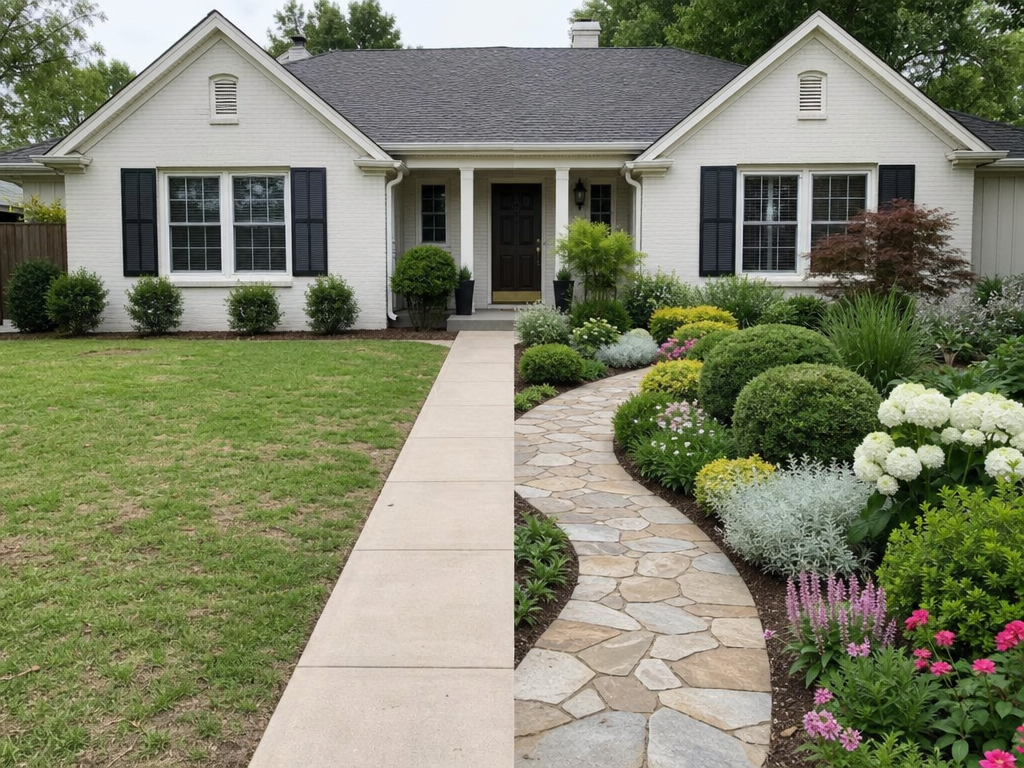
Use a clear, wide photo that shows the house and the area you want to redesign.
AI Garden Design From a Photo
AI Garden Design lets you upload a real yard, protect the parts that should stay, and explore a buildable new look before moving soil or buying plants.
How to Use AI Garden Design
The guided workflow converts a landscape design app into four clear decisions, so you can focus on the garden rather than writing a technical image prompt.
Choose a Yard Photo
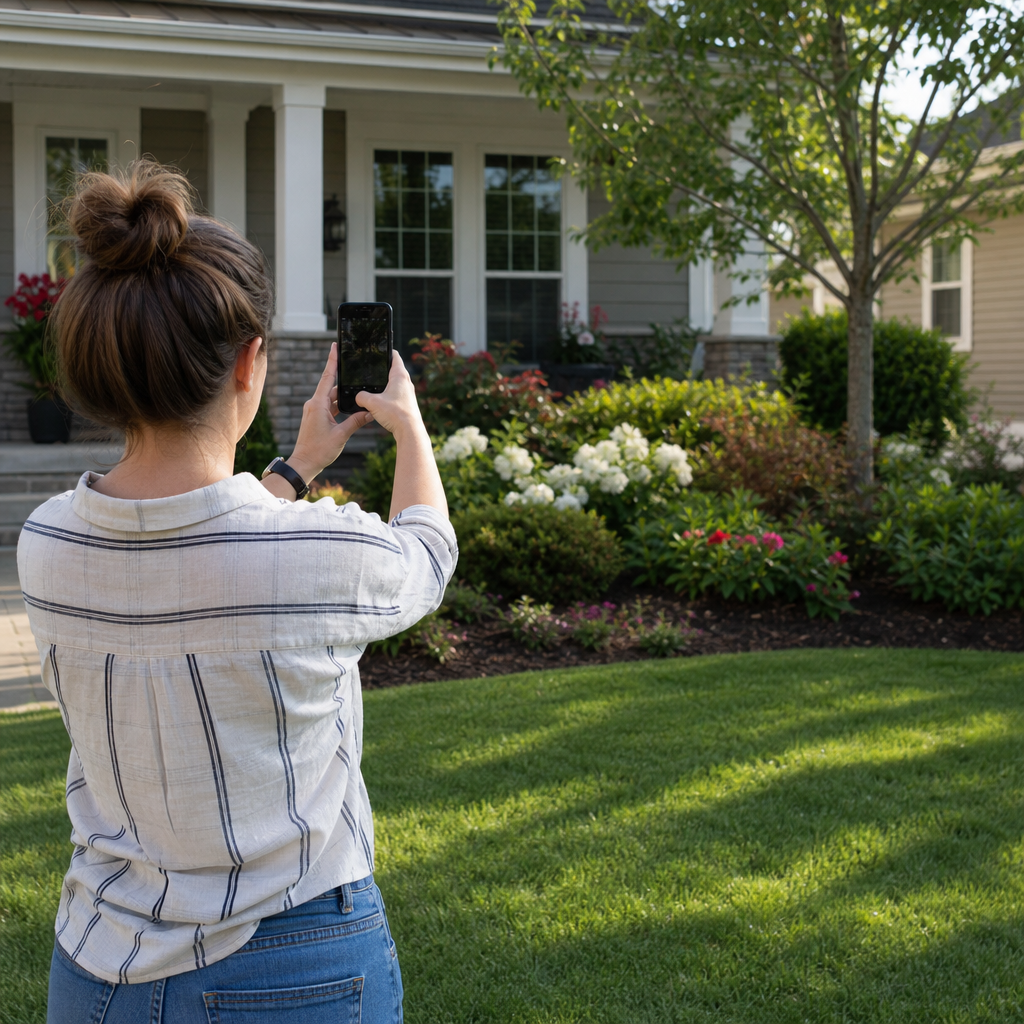
Start with a clear front yard, backyard, patio, side yard, or flower bed image. A level photo with visible boundaries gives the AI landscape generator useful context.
Select the Area
Tap the lawn or bed for smart selection, draw a circle for a quick region, or outline an exact shape. Undo, redo, and clear keep the mask under your control.
Set Garden Conditions
Choose a style, city, USDA hardiness zone, sunlight, and slope. AI Garden Design uses those details to favor plants and materials that suit the setting.
Review and Generate
Read the proposed design plan, adjust the direction in plain language, and generate a realistic result. Compare before and after without losing the original photograph.
Garden Styles for Every Home
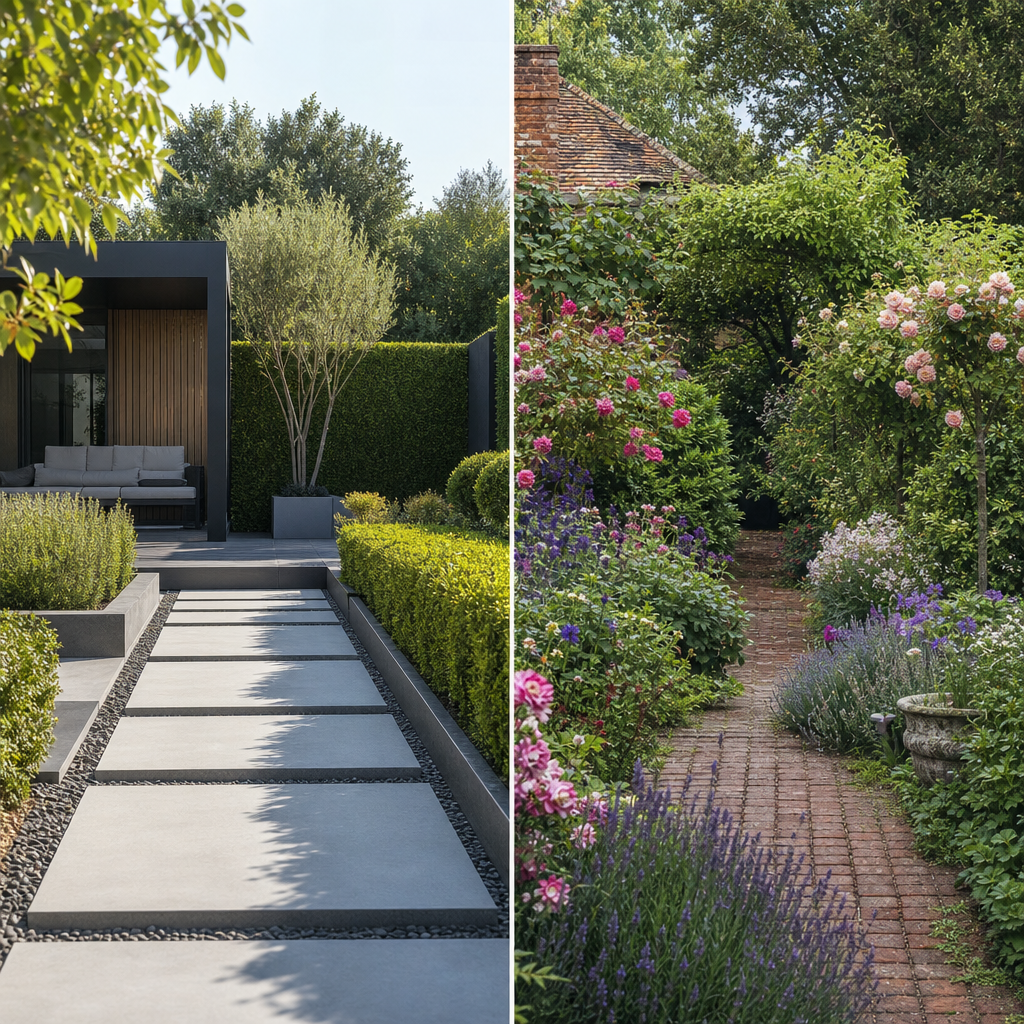
Explore modern, cottage, English, naturalistic, coastal, desert, tropical, Mediterranean, Japanese, edible, play-focused, and other established garden directions.
AI Garden Design for Your Climate
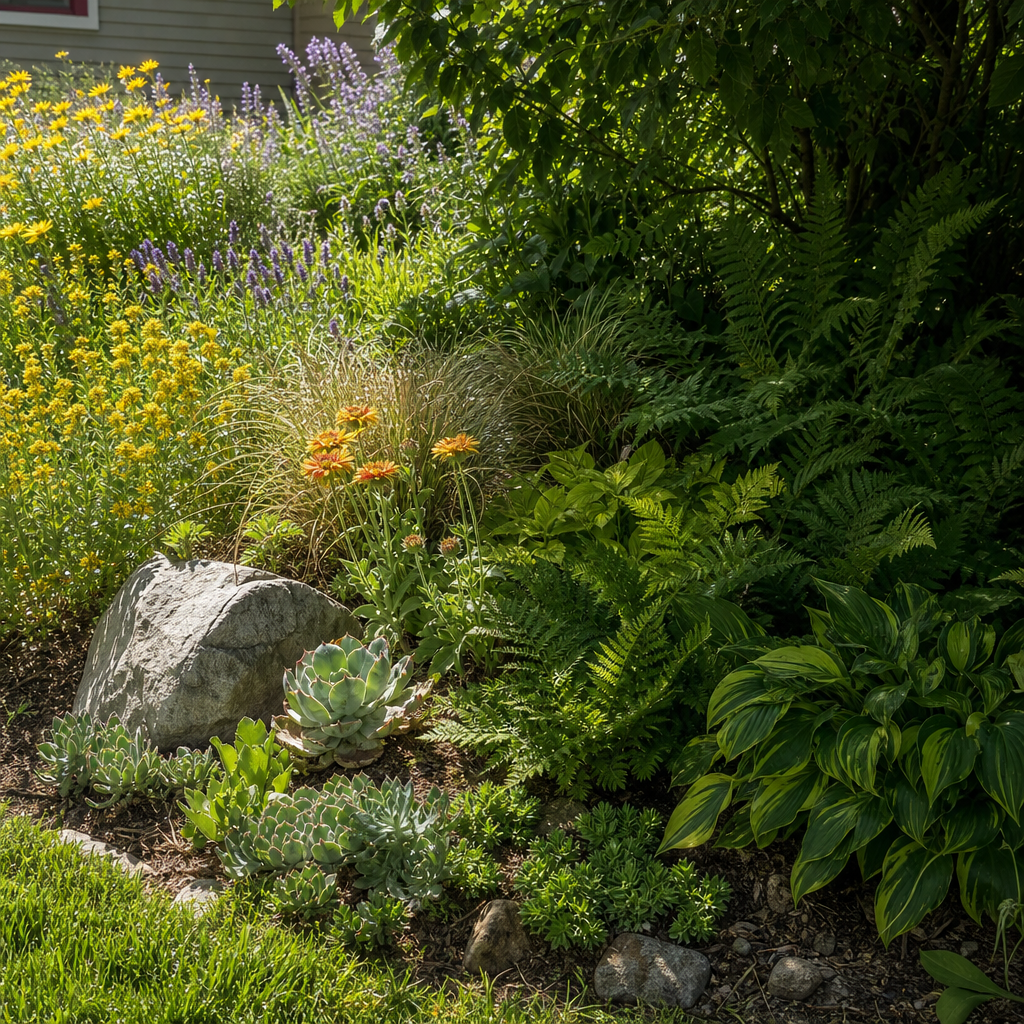
A beautiful image is more useful when its planting logic reflects winter cold, daily light, terrain, and regional character instead of applying the same plants everywhere.
AI Garden Design for Real Projects
Use the same visual planning workflow for a quick weekend refresh or an early conversation with a landscape professional, while keeping expectations grounded in the actual property.
Homeowners
Test curb appeal, planting density, path placement, and seasonal character before committing a household budget. AI Garden Design makes competing ideas easier to compare.
Gardeners
Explore a flower bed, edible garden, pollinator border, or lower-maintenance layout while retaining mature trees and features that already work.
Landscape Professionals
Create a fast visual conversation starter for client discovery. The image communicates direction, while a site visit and measured plan still guide construction.
Property Teams
Illustrate entry planting, shared outdoor areas, and rental-property improvements without commissioning a polished concept for every early option.
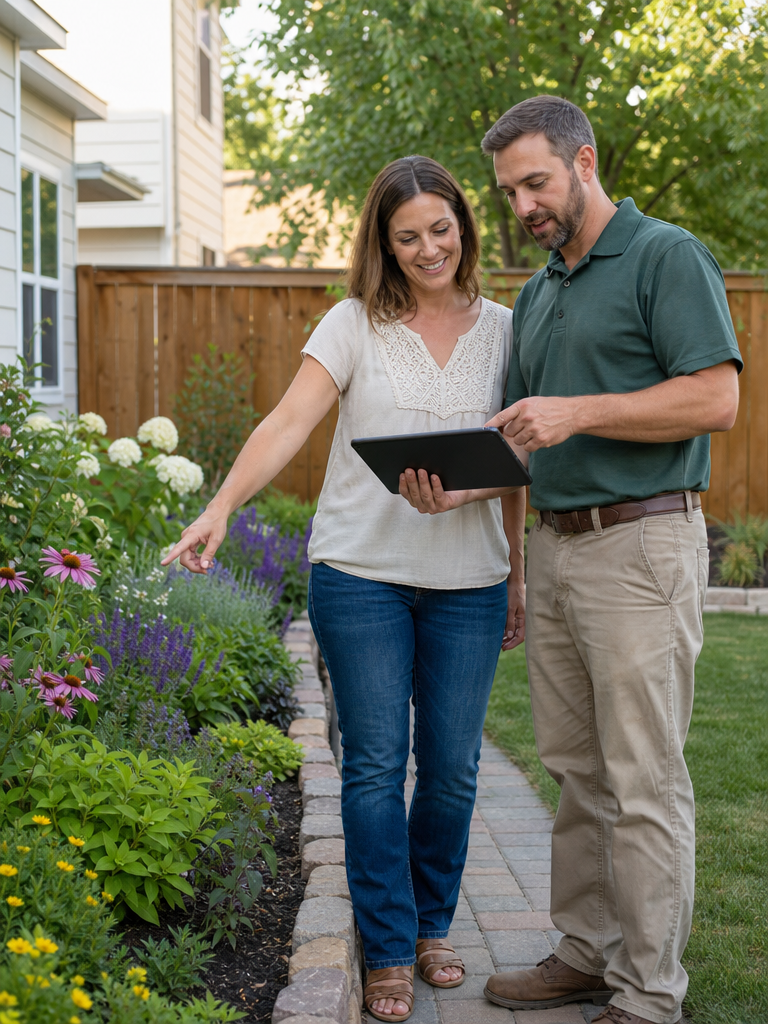
A Free AI Garden Design Workflow
The free AI garden design allowance supports genuine exploration, while the structured controls keep every version connected to the same yard and design brief.
18
garden styles spanning formal, natural, climate-aware, and activity-focused directions
3
free final image generations for anonymous users before sign-in
1a–13b
USDA hardiness zones available when winter survival should inform the planting concept
1 photo
needed to begin AI Garden Design from the actual space instead of a generic template

AI Garden Design vs Generic Image Editing
General image tools can make attractive scenes, but a garden workflow should also preserve the property, capture site conditions, and support controlled revisions.
Garden workflow | Generic editor | |
|---|---|---|
| Work from a real yard photo | Varies | |
| Smart area selection | ||
| Garden-specific styles | Prompt only | |
| Climate and light inputs | ||
| Before and after comparison | Varies | |
| Plain-language revisions | Prompt only |
AI Garden Design FAQ
Practical answers about photos, selections, local conditions, and the role of generated garden concepts.
See Your Yard as a New Garden
Upload one photo, choose the part you want to change, and create an AI Garden Design grounded in your home and local conditions.